
Senior 1–6
Mathematics
Build understanding through numbers, patterns and problem solving.
View programme
Learn Mathematics, Physics, Chemistry and Biology with guided teaching, online classes and learning materials you can return to.
Creative Learning Center supports Senior 1–6 learners in Mathematics, Physics, Chemistry and Biology through guided teaching, online classes and Moodle learning materials.

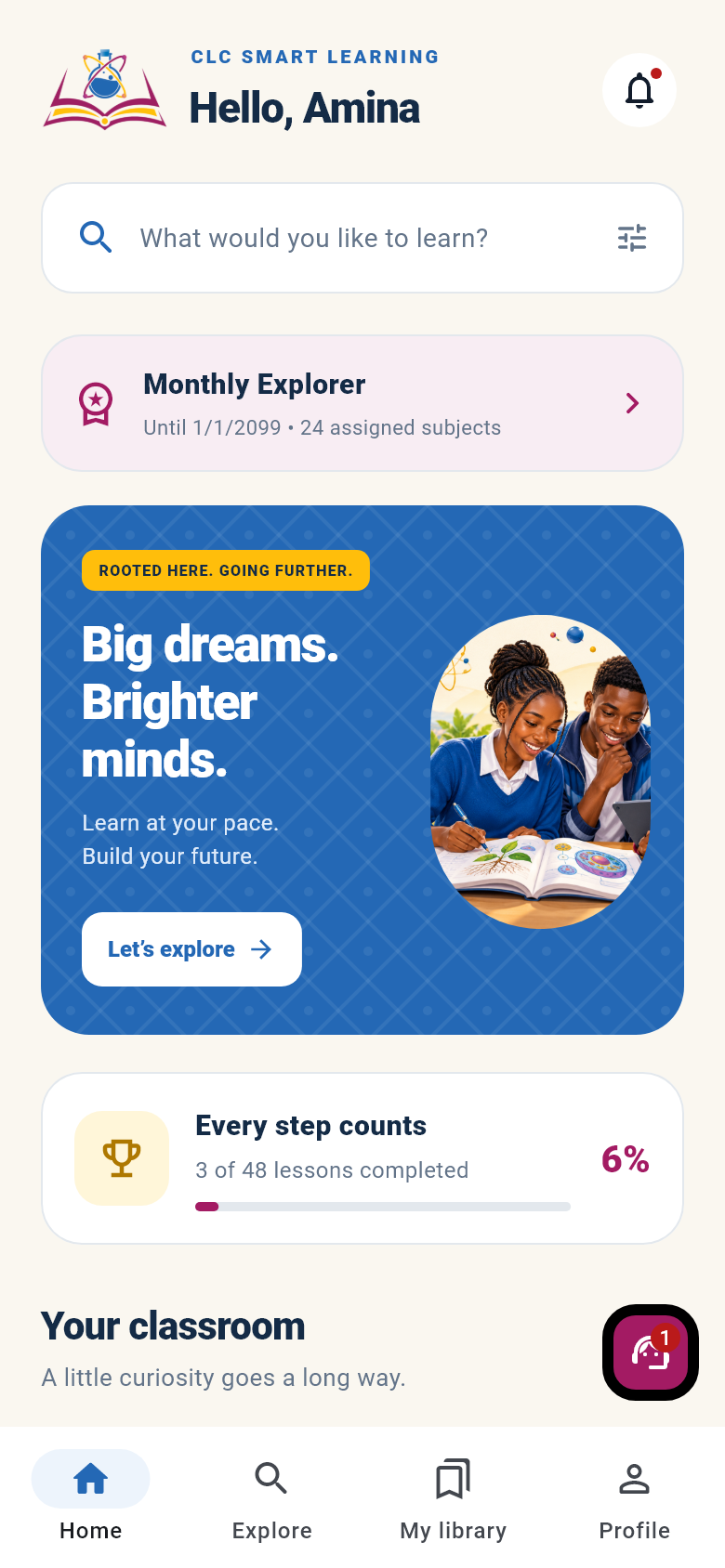
Read lesson notes, watch videos, practise questions and reach CLC support from your Android phone. Sign in with the same account you use on the website.
Android test version · v2.1.2
Follow notes for the subjects assigned to your package.
Watch supported lesson videos inside your learning area.
Practise questions and keep track of your learning.
Send a private support message from your account.
Use the same CLC account on your phone and on the website. Lesson access follows your active learning package.
Find support for your class and subject. Contact our team to discuss current teaching and online learning options.
View all programmesBuild understanding through numbers, patterns and problem solving.
View programmeExplore the ideas that explain motion, energy and the physical world.
View programmeConnect matter, materials and chemical change to the world around you.
View programmeDiscover living things and develop your understanding of life science.
View programmeCombine guided teaching with online materials you can return to as you study.
Ask about Mathematics, Physics, Chemistry and Biology for Senior 1–6.
Use CLC Smart Learning for assigned notes, videos, quizzes and progress tracking.
Continue with learning materials on the CLC Moodle portal, using your portal sign-in.
Compare available packages by duration and included subjects. Select your package and view payment options in your learning account.
View all packagesAccess all free courses
All published subjects
Open your account to continue lessons, manage your package or speak to the support team.
Find out how our programmes and online learning work.
Contact our teamCreative Learning Center supports Senior 1–6 Mathematics, Physics, Chemistry and Biology.
Open the CLC Smart Learning area, create an account and choose an available learning package. You can also explore the clearly labelled local demo before registering.
Yes. The learning area includes links to the Creative Learning Center Moodle portal. Moodle has its own sign-in; your app account does not automatically sign you into Moodle.
The learning area shows the currently configured payment options. Manual mobile money transfers need administrator verification before access is activated. Pesapal is available when configured.
Use the contact form or the current phone, email and WhatsApp details on the contact page. Signed-in app learners can also use private in-app support.
Contact our team to discuss your class, subjects and learning needs.