

Take your learning with you.
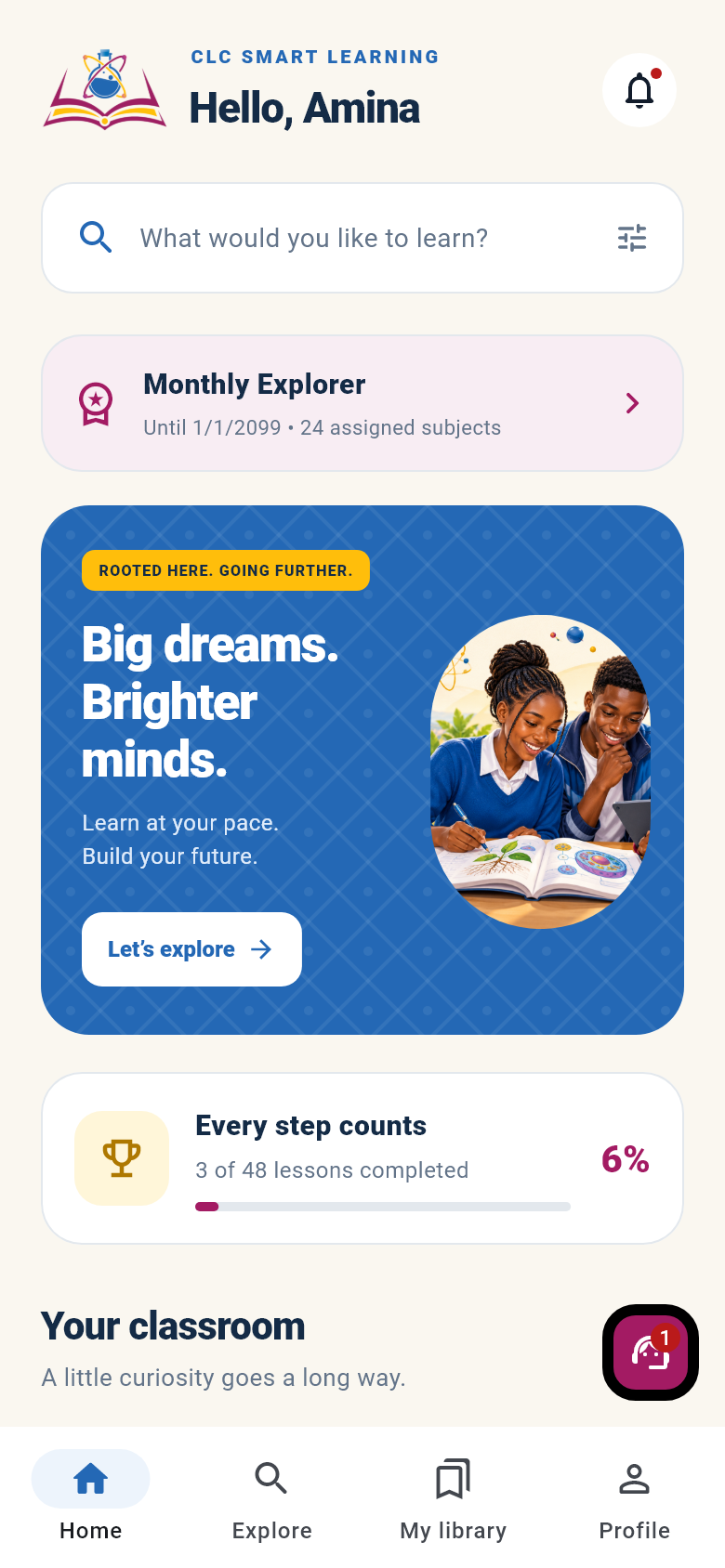
Read lesson notes, watch videos, practise questions and reach CLC support from your Android phone. Sign in with the same account you use on the website.
Android test version · v2.1.2
Lesson notes
Follow notes for the subjects assigned to your package.
Video lessons
Watch supported lesson videos inside your learning area.
Quizzes & progress
Practise questions and keep track of your learning.
CLC support
Send a private support message from your account.
Use the same CLC account on your phone and on the website. Lesson access follows your active learning package.
Install and start learning
Your CLC account and active package work across the Android app and the web learning area.
Open the download on your Android phone
Use the Download for Android button above. This destination provides an Android APK installation file.
Review the installation instructions
Find the downloaded APK in your phone’s Downloads, open it and review the prompts shown by Android. If installation is blocked or you are unsure, contact CLC for help or use the web version.
Sign in to your CLC account
Open CLC Smart Learning and sign in with the account you use on this website. If you are new, create an account and choose a learning package, or explore the labelled demo first.
Need help downloading, signing in or choosing a package?
Prefer to learn in your browser?
Open CLC Smart Learning on the web for your account, assigned lessons, packages and private support. Videos, account updates and support need an internet connection.